Path Element
The Path Element is a fundamental shape used to represent shapes with custom paths within a design.
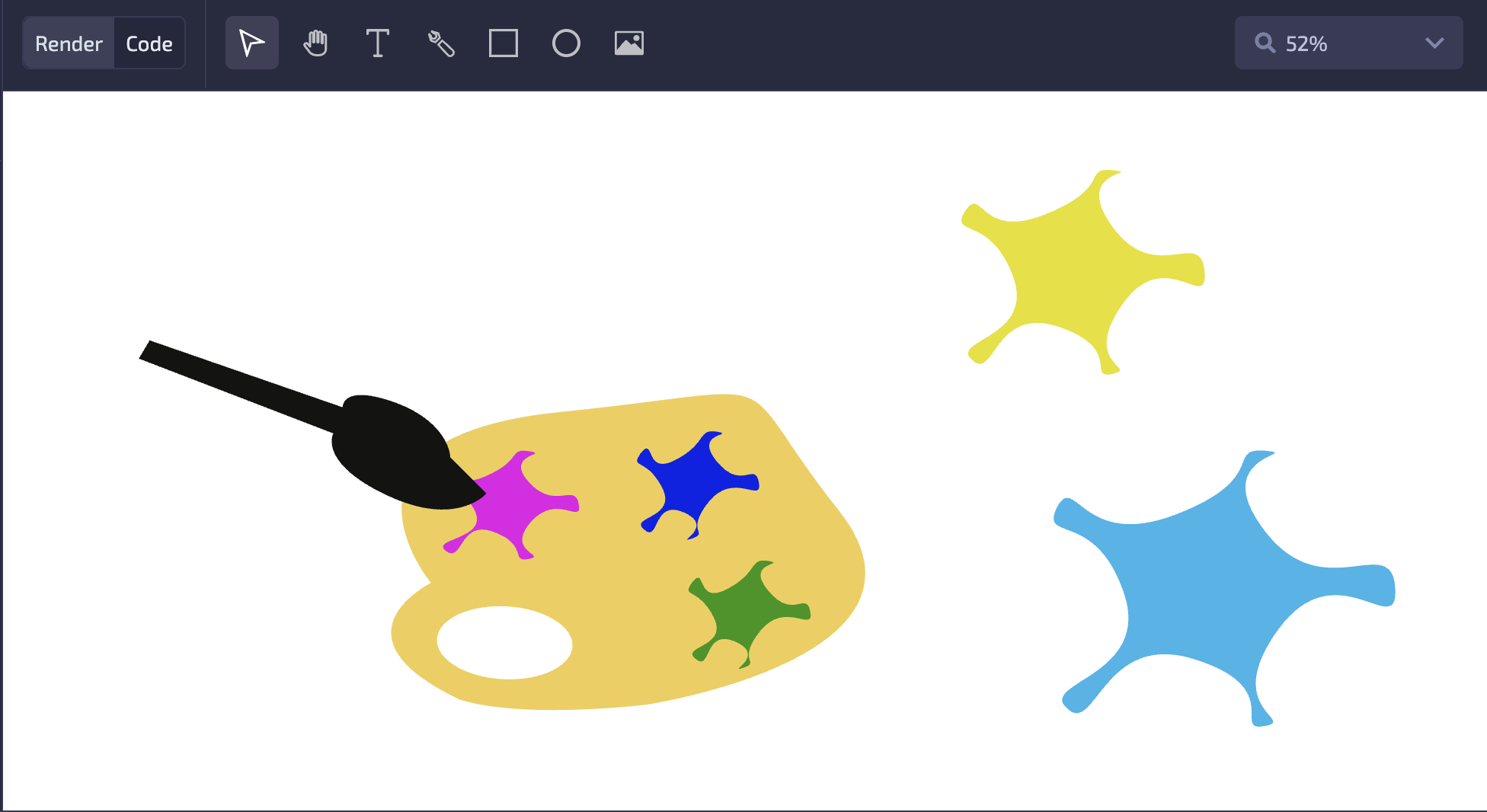
To create a Path Element, select the Pen tool from the Toolbar.

Using Pen tool
With the Pen tool selected, click on the canvas to add points to the path.
To make a rounded corner, hold Cmd on Mac or Ctrl on Windows and click a point. This adds in and out handles to the point, so the path curves through it instead of making a sharp corner. Hold Cmd or Ctrl and click the point again to remove the handles and turn it back into a sharp corner.
| Modifier Key | Action | Function |
|---|---|---|
| Ctrl/Cmd | Click on path main point | Create or delete both path in and out points |
| Alt/Option | Click on path main point | Sync in and out points |
| Ctrl/Cmd | Click on path in or out point | Delete in or out point |
See Keyboard shortcuts for the full list.
Mask usage
Path Elements can be used as masks for clipping other layers.